Work through a question.
Start a conversation. Add context and follow up as your thinking develops.
PrometheusPlay
Chat, research, and create images or video in one browser workspace. Start with what you want to understand or make.
Guest chat is available. Research and creative tools require an account; usage limits and features depend on your plan.
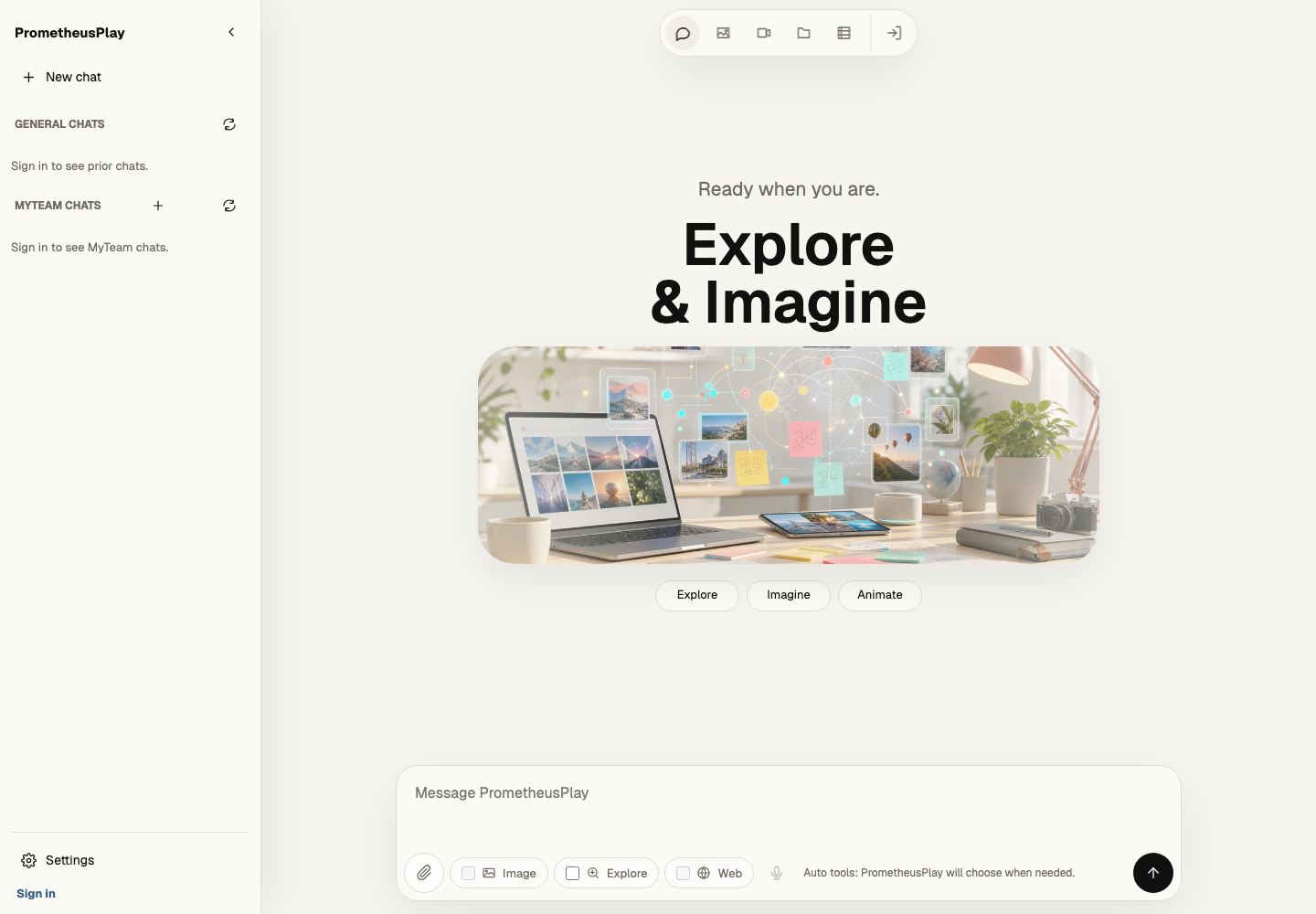
Start a conversation. Add context and follow up as your thinking develops.
Use research tools to investigate a question. Read the results and check the supporting sources.
Describe an image or video, review the result, and refine what you want to make.
Start in the browser
Open Play on your desktop or phone. Try a guest conversation, then use the workspace’s account options when you are ready for more.
Try PlayYou can try guest chat without an account. Research and creative tools require an account. The workspace shows the access options and limits for your plan.
Yes. Open PrometheusPlay in your mobile browser. You can also use the same workspace on a desktop.
Read and verify the results before relying on them. Review the privacy policy before submitting information to an AI workflow.