For presentations
PPT Monster
Start with a topic or brief. Build a PowerPoint draft, then review the content and edit the slides.
Works inside PowerPoint. Account and add-in setup required.

Prometheus Platforms
Draft an editable deck with PPT Monster. Use PrometheusPlay to research a question or create images and video.
Choose your starting point
Two ways to get an idea out of your head and into your work.
For presentations
Start with a topic or brief. Build a PowerPoint draft, then review the content and edit the slides.
Works inside PowerPoint. Account and add-in setup required.
For questions and creative work
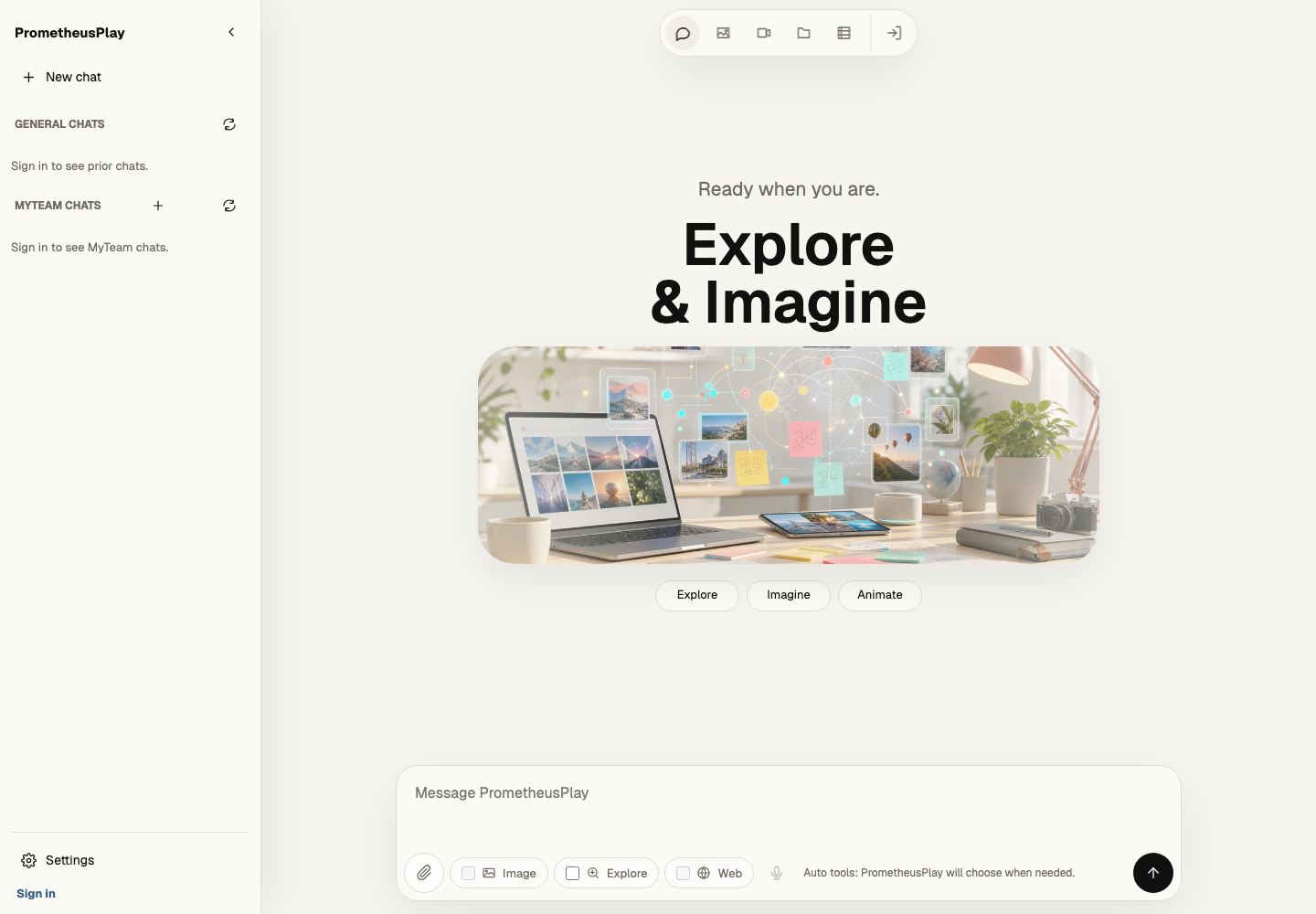
Ask a question, research a topic, or create images and video in your browser. Keep working in the same workspace.
Try guest chat. Research and creative tools require an account; availability and limits depend on your plan.
A little time to play
Original browser games, from arcade action to football. Choose a game and start playing.
Browse the ArcadeBefore you start
Use PPT Monster when your next step is a PowerPoint presentation. Use PrometheusPlay for questions, research, and creative work in a browser. You can explore examples before creating an account.
PrometheusPlay offers guest chat. PPT Monster offers guided examples through its Builder plan after account setup. See current PPT Monster plans for the available generation options.
PPT Monster creates presentation drafts for you to review and edit in PowerPoint. In Play, you can continue a conversation and refine your requests. Check facts and review generated work before sharing it.
Visit support for account, setup, and product help. The PowerPoint install guide covers Windows, Mac, and the web.