

OPEXSTUDIO
← All examples
Logistics / DMAIC / worked example

Send the right shipment

Turn shipment counts into a focused improvement test.

Take the full example with youPhotos. People. A practical plan.

Project timeline, actions for every S and checks before completion.

Open sample PDF Free to read. No sign-in needed.
Generated illustration: Send the right shipment, starting condition
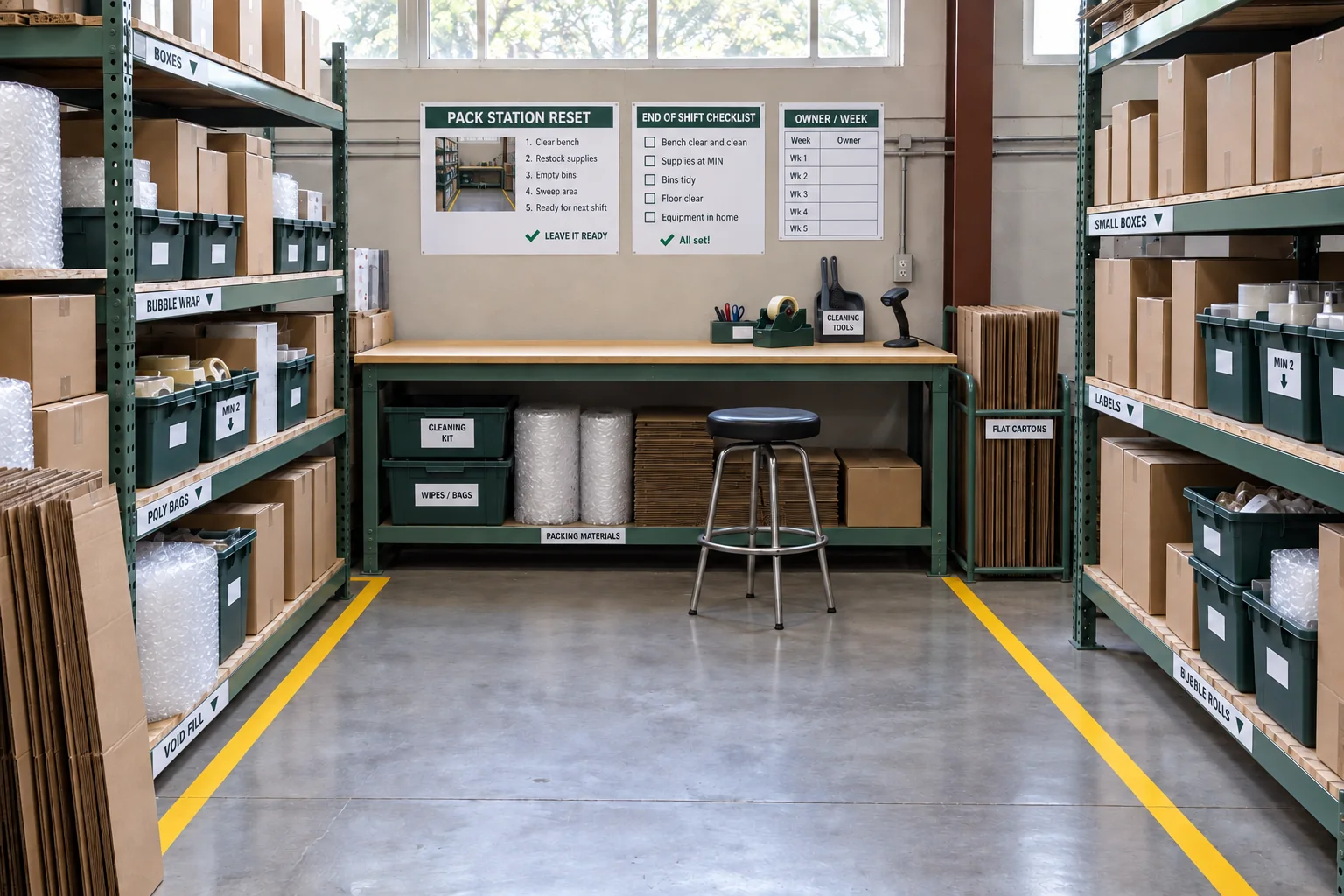
Generated concept: a possible improved arrangement for Send the right shipment
Starting pointProposed concept
Generated illustrations. The concept shows a possibility, not a completed improvement or verified safety result.
Learn it, then try it

Understand the method
behind this example.

Two illustrated lessons with practical steps, a question to try and feedback. Read online or follow the teaching pages in the full report.

A clear starting point

Make the problem
small enough to work on.

Compare similar shipments before blaming the storage location.

Sample baseline4%shipments contain errors
Proposed goal1%error goal

Illustrative starting figures. The goal has not been achieved.

Logistics / DMAICOPEX field notes

Send the right shipment

Compare similar shipments before blaming the storage location.

Sample starting point4%shipments contain errors
Goal to work towards1%error goal
01

Define

Shipment content errors

02

Measure

120/3,000 contain errors

03

Analyze

Compare locations fairly

04

Improve

Try clearer storage

05

Control

Check errors and throughput

Define the missMeasure fairlyTest one changeControl the result

A worked example to learn from. Sample figures and people; targets are not achieved results.

Generated illustration supporting the Send the right shipment project
Illustrative workplace scene. Explore the same project in its sample PDF.
People, timing and a clear finish

A plan the team can follow.

Read the full report ↗

Project completion timeline

Planned finish · Day 30
  1. Agree error countsNia · Quality

    Day 1–4 · Two reviewers classify the same sample consistently.

  2. Compare locationsOwen · Analysis

    Day 5–8 · Compare error rates for similar shipments, with the number shipped visible.

  3. Try clearer storageTess · Operations

    Day 9–17 · Compare similar shipments; record errors and work completed per hour.

  4. Verify and controlSam · Dispatch

    Day 18–30 · Reach the 1% error goal while maintaining work completed per hour.

Proposed timing and fictional owners. Close each action after its check is met; a date alone does not prove completion.

Actions for each S

Planned finish · Day 30
  1. SortRemove mixed-stock confusionNia · Quality

    Identify obsolete stock, loose returns and unassigned cartons; resolve each item through the inventory owner before relocation.

    Day 1–4 · Every moved item has a verified identity and destination; inventory balances reconcile.

  2. Set in orderSeparate look-alike picksOwen · Analysis

    Pilot clear locations for the selected SKU family while preserving traceability and approved stock support.

    Day 5–8 · A matched picking sample confirms item and location identity without extra unrecorded searching.

  3. ShineReset the pick facesOwen · Analysis

    Clean accessible shelves and floor areas through approved routines and log damaged packaging or recurring debris.

    Day 5–8 · The next shift checks recurrence and routes damaged racks or stock to the responsible owner.

  4. StandardizeAgree the scan and return ruleTess · Operations

    Write the tested pick, confirmation and return sequence for the pilot locations; train one shift before widening it.

    Day 9–12 · Operators demonstrate the same sequence; exceptions and unreadable labels have a response owner.

  5. SustainWatch errors and effortSam · Dispatch

    Track audited errors and confirmed lines per labour-hour in comparable work through the control review.

    Day 13–30 · Both the error denominator and throughput are visible; the improvement is not accepted by appearance alone.

  6. SafetyKeep access and loads checkedNia · Quality

    The competent warehouse lead reviews traffic, shelf loading and material-handling controls before layout changes.

    Day 1–30 · Approved routes and loading limits remain in place; concerns are resolved before the changed area is used.

Proposed timing and fictional owners. Close each action after its check is met; a date alone does not prove completion.

Bring the idea back to your work

Start the conversation with your team.

Use the report to choose one area, name the next action and agree how you will check it. Try a photo from your own workplace, then turn the possibility into a practical plan.

Keep exploring

Another useful starting point.

See every example →